Is Your Business Ready for a Ransomware Attack? A 2026 Cyber Security Checklist for UK SMEs

Is Your Business Ready for a Ransomware Attack? A 2026 Cyber Security Checklist for UK SMEs
Ransomware is no longer a problem that only affects massive corporations with huge IT teams.
It is a real threat to small and medium-sized businesses across the UK, and the damage goes far beyond the ransom itself. One attack can lock your systems, halt operations, damage customer trust and leave your team scrambling to recover data, emails, files and access to critical systems. UK government and NCSC guidance continues to highlight ransomware, phishing and cyber resilience as major business issues, especially for smaller organisations.
The problem is simple.
Most businesses think they are too small to be targeted until something goes wrong.
The truth is that attackers often go after businesses with weaker defences, patchy backups, poor password habits or outdated systems. That is exactly why a proactive approach matters more than ever. NCSC guidance for small and medium-sized organisations focuses on practical protection steps such as secure backups, patching, access control and staff awareness.
At Silver Lining, we work with businesses that want to stay productive, protected and prepared. This guide breaks down what ransomware is, how it usually gets in, and what your business can do now to reduce the risk.
What is ransomware?
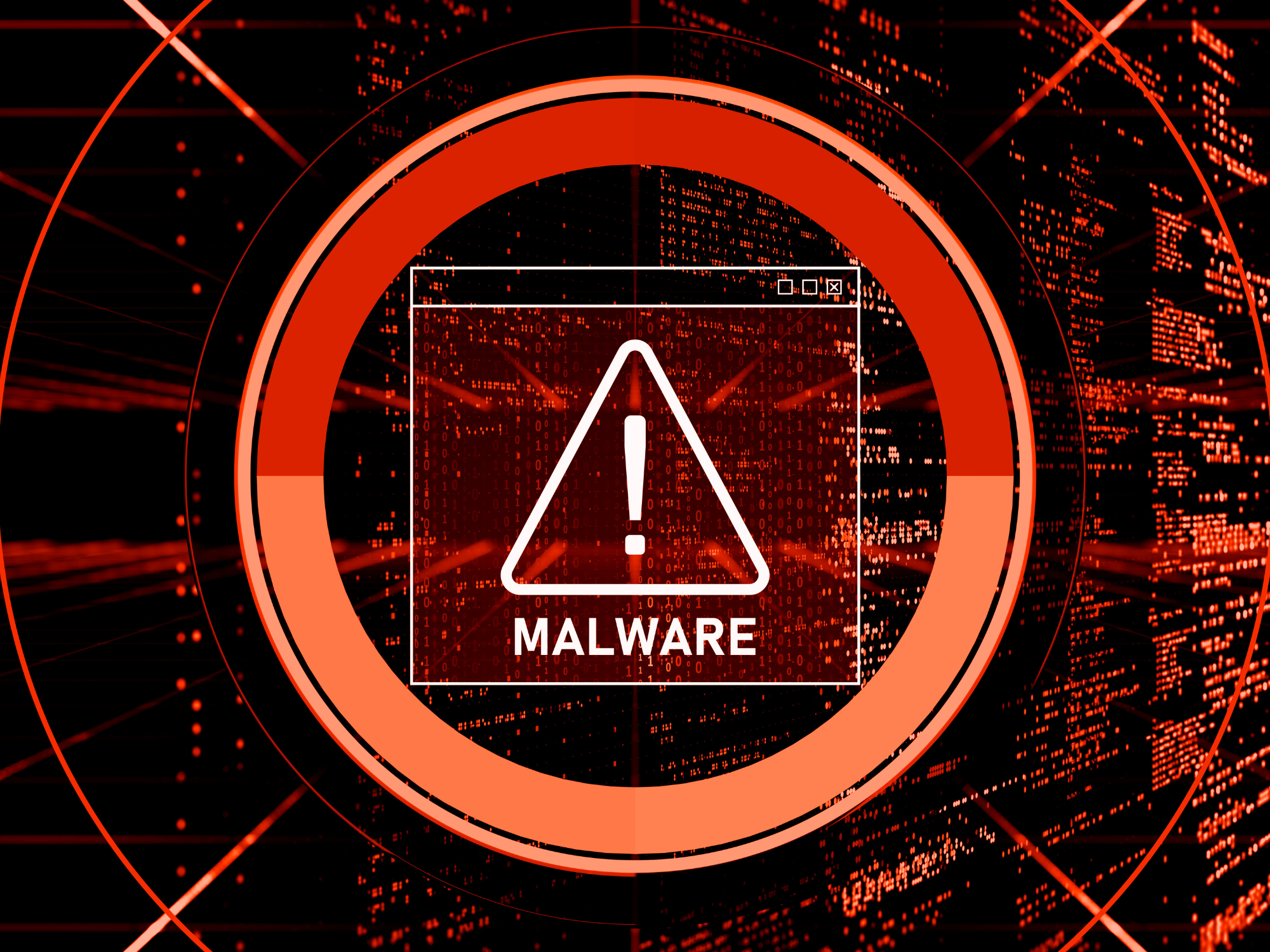
Ransomware is a type of malicious software that blocks access to your systems or encrypts your files, then demands payment to restore them. In plain English, it can stop your business from functioning until the issue is resolved, and paying the ransom does not guarantee you will get your data back. The NCSC defines ransomware as malware that prevents access to data or devices, usually by encrypting files, before demanding money.
For many SMEs, that can mean:
- Lost access to customer records
- Interrupted phone systems and email
- Downtime across the business
- Missed sales and delayed projects
- Reputational damage
- Expensive recovery work
This is why ransomware protection for small businesses is such an important part of modern IT planning.
Why UK SMEs are still vulnerable
Many businesses assume cybercriminals are only targeting national brands or public-sector organisations.
That is not how it works.
Smaller businesses are often seen as easier targets because they may have:
- Limited internal IT support
- Older hardware or software
- Weak password policies
- Inconsistent backups
- Staff who have not had cyber awareness training
- No clear disaster recovery plan
That combination creates an opportunity for attackers. NCSC advice for SMEs is built around reducing exactly those weaknesses.
How ransomware attacks usually start
Most ransomware attacks do not begin with some dramatic movie-style hack.
They usually start with something ordinary.
That could be:
- A phishing email that tricks someone into clicking a link
- A fake invoice attachment
- A compromised password
- Unpatched software
- Poorly secured remote access
- A user with more access than they need
This matters because the biggest improvements in cybersecurity often come from getting the basics right.
Not flashy tools. Not panic spending.
Just solid, sensible protection.
The 2026 ransomware checklist for UK businesses
Here is the part that matters most. If you want to reduce the risk of ransomware, these are the areas your business should be reviewing now.
1. Train your staff to spot phishing emails
Your team is your first line of defence.
Most attacks rely on human error somewhere along the line. A rushed click, an opened attachment, a fake login page that looks genuine. Staff do not need to become cyber experts, but they do need to know what suspicious activity looks like.
Make sure your team understands:
- How to spot unusual sender addresses
- Why should they question urgent payment requests
- What suspicious links look like
- When to report something rather than clicking it
- Why password reuse is risky
Cyber awareness training is one of the simplest ways to cut risk quickly.
2. Turn on multi-factor authentication
If you only do one thing this week, do this.
Multi-factor authentication adds another layer of protection beyond a password. Even if a password is stolen, attackers may still be blocked from getting in.
This is especially important for:
- Microsoft 365 accounts
- Email access
- Remote logins
- Admin accounts
- Shared business platforms
It is one of the most effective ways to strengthen cybersecurity for SMEs without making life difficult for your team.
3. Keep software, devices and systems updated
Outdated software creates opportunity.
Attackers look for known vulnerabilities in operating systems, apps, firewalls, plugins and devices. If patching is inconsistent, you leave doors open without realising it.
Review regularly:
- Desktop and laptop operating systems
- Servers
- Routers and firewalls
- Microsoft 365 and cloud tools
- Antivirus and endpoint protection
- Third-party software
A proactive IT support partner can take a lot of this off your plate and keep your systems monitored and maintained.
4. Limit user access
Not everyone in your business needs access to everything.
The more access a user has, the more damage can be done if their account is compromised. Good access control reduces the blast radius of any attack.
That means:
- Giving staff access only to what they need
- Restricting admin rights
- Reviewing permissions regularly
- Removing access quickly when people leave
- Separating critical systems from general access
This is a simple step, but it makes a big difference.
5. Protect endpoints and networks properly
Every laptop, desktop, mobile device and connection point matters.
A modern business rarely works from one office on one network anymore. People work remotely, travel, log in from home and use cloud systems daily. That flexibility is useful, but it increases risk if security is weak.
You should have:
- Endpoint protection on business devices
- Secure firewall configuration
- Protected remote access
- Safe Wi-Fi and network segmentation where needed
- Monitoring in place to catch suspicious behaviour early
The earlier you spot a problem, the better your chance of containing it.
6. Back up your data properly
Backups are not just about having copies of files.
They are about being able to recover quickly and keep your business moving.
If ransomware hits and your backups are incomplete, insecure or untested, you may discover too late that recovery is slow, partial or impossible. Government cyber guidance continues to stress secure, reliable backup and recovery as part of resilience and continuity planning.
A good backup strategy should include:
- Regular automated backups
- Backups stored separately from live systems
- Protection against unauthorised access or deletion
- Version history where appropriate
- Clear recovery priorities
- Regular restore testing
This is where business data backup solutions and disaster recovery for small businesses stop being nice-to-haves and start becoming essential.
7. Test your disaster recovery plan
A backup is not a recovery plan.
You need to know what happens next if systems go down.
Ask yourself:
- Who responds first?
- Which systems are most critical?
- How quickly can you restore files?
- How will staff communicate if email is down?
- How long can the business realistically function without access?
- Who speaks to customers if there is a disruption?
A good disaster recovery plan reduces confusion, downtime and stress when the pressure is on.
8. Monitor your systems proactively
The businesses that respond best to threats are usually the ones that spot issues early.
Proactive monitoring helps identify:
- Unusual login activity
- Suspicious file behaviour
- Device health issues
- Failed backups
- Missing patches
- Potential vulnerabilities before they become incidents
This is one of the strongest arguments for managed IT support for business. Instead of reacting after damage is done, you create a more resilient environment from the start.
9. Review your cyber incident response process
If something does happen, speed matters.
Your team should know:
- How to report a suspected issue
- Whom to contact internally
- When to isolate a device
- How to escalate fast
- What to document
- When outside support is needed
An incident response plan does not need to be complicated, but it does need to exist.
10. Get expert support before you need it
This is the bit many businesses leave too late.
They wait until there is a breach, a lockout, missing files or a serious outage. At that point, the conversation is no longer about prevention. It is about damage limitation.
Working with an experienced IT and cyber partner means you can:
- Strengthen weak areas before attackers find them
- Improve backup and recovery
- Keep systems maintained
- Reduce downtime
- Support remote and hybrid teams securely
- Get practical help when something looks wrong
That is the value of proactive support.
What happens after a ransomware attack?
This is where costs start stacking up.
A ransomware incident can trigger:
- Business downtime
- Lost productivity
- Emergency IT costs
- Disruption to customer service
- Delayed sales or operations
- Reputational damage
- Compliance concerns
- Staff stress and internal disruption
Even businesses that recover without paying a ransom often lose time, money and confidence in the process.
That is why prevention is almost always cheaper than recovery.
How Silver Lining helps protect your business
We support businesses with practical, integrated IT solutions that reduce risk and improve resilience.
That can include:
- Proactive IT support
- Cybersecurity solutions
- Cloud backup
- Microsoft 365 support
- Infrastructure monitoring
- Business continuity planning
- Secure connectivity and communications
The goal is not to drown businesses in technical jargon.
It is to help them build an IT environment that is secure, reliable and ready for the real world.
Because the real world is messy.
People click things.
Passwords get reused.
Devices go missing.
Updates get missed.
Threats change.
Your protection needs to account for that.
Final thoughts
Ransomware is not just an IT issue.
It is a business risk.
And like most business risks, it gets more expensive the longer you ignore it.
The good news is that most businesses can reduce their exposure dramatically by focusing on the basics: training, access control, patching, secure backups, recovery planning and proactive monitoring. Those are the same areas UK cyber guidance continues to emphasise for organisations improving resilience.
If your business is not completely confident in those areas, now is the right time to review them.
Need help checking how exposed your business is?
Silver Lining can help you review your current setup, identify weak points and put the right protection in place before a cyber incident turns into lost time, lost data and lost revenue.
Talk to Silver Lining about proactive IT support, backup, cyber security and business continuity solutions built for modern UK businesses.
FAQs
What is the best protection against ransomware for small businesses?
The best protection is a combination of staff awareness training, multi-factor authentication, regular patching, secure backups, limited user access and proactive monitoring. There is no single magic fix. Strong basics make the biggest difference.
Can ransomware affect Microsoft 365?
Yes. Email accounts, user credentials, synced files and connected devices can all be part of the risk if accounts are compromised or users click malicious links. That is why access control, MFA and backup planning matter.
How often should a business back up its data?
That depends on how often your data changes and how much disruption you can afford. For many businesses, backups should run automatically and regularly, with restore testing built in.
Should small businesses have a disaster recovery plan?
Yes. Even a simple disaster recovery plan can reduce downtime and confusion if systems go down. It helps your team respond faster and recover more effectively.
Is managed IT support worth it for cybersecurity?
For many SMEs, yes. Managed IT support helps keep systems updated, monitored and better protected, especially if you do not have an internal IT team with time to stay on top of everything.